![corsmed_no_clear_space_@16x-1.png]](https://help.corsmed.com/hs-fs/hubfs/corsmed_no_clear_space_@16x-1.png?height=40&name=corsmed_no_clear_space_@16x-1.png)
Manage preferences
- In the simulator header of the Corsmed MRI Simulator, click Preferences.
- Adjust the settings you want by selecting the option you prefer.
Available preference settings
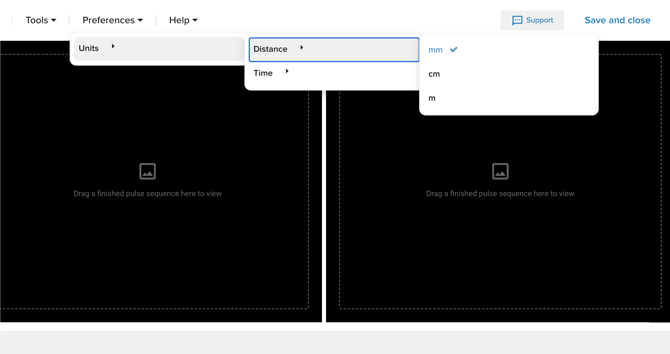
Distance units
Choose the distance units you want to use throughout the simulator:
- mm
- cm
- m
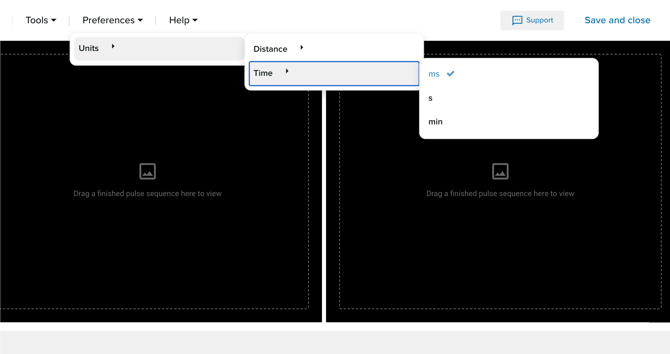
Time units
Choose the time units you want to use throughout the simulator:
- ms
- s
- min
Conclusion
You've learned how to update your simulator preferences to select the settings that work best for you.