![corsmed_no_clear_space_@16x-1.png]](https://help.corsmed.com/hs-fs/hubfs/corsmed_no_clear_space_@16x-1.png?height=40&name=corsmed_no_clear_space_@16x-1.png)
Open your achievements
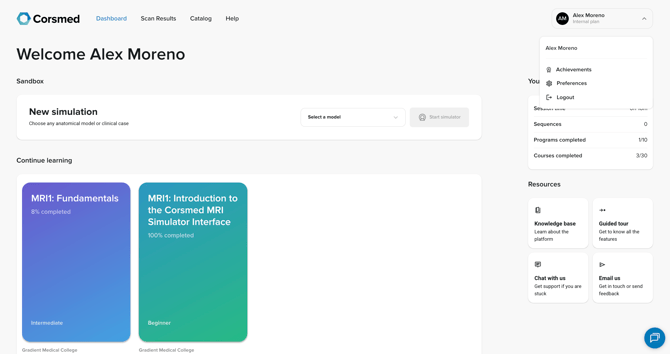
- Go to your profile from the Dashboard.
- Select Achievements.
Create a PDF
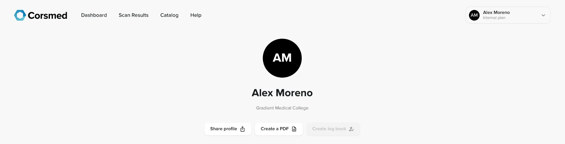
- On your Achievements page, click Create PDF.
- Preview the certificates available for download.
- Click Include in PDF to select or unselect each certificate.
- Check the box to include a certificate.
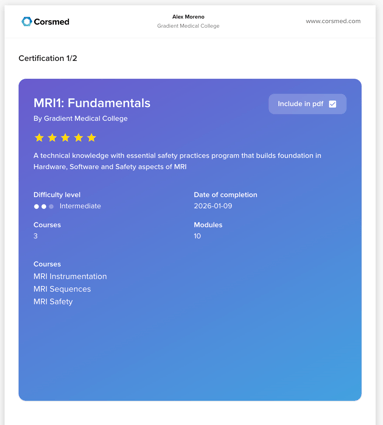
- Uncheck the box to remove it from the download.
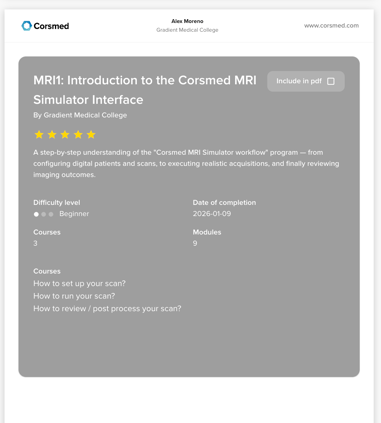
- Check the box to include a certificate.
- When you’re done, click Create and download in the top right corner.
Conclusion
You’ve learned how to download the certificates you want and can share or save them as needed.