![corsmed_no_clear_space_@16x-1.png]](https://help.corsmed.com/hs-fs/hubfs/corsmed_no_clear_space_@16x-1.png?height=40&name=corsmed_no_clear_space_@16x-1.png)
Request a password reset
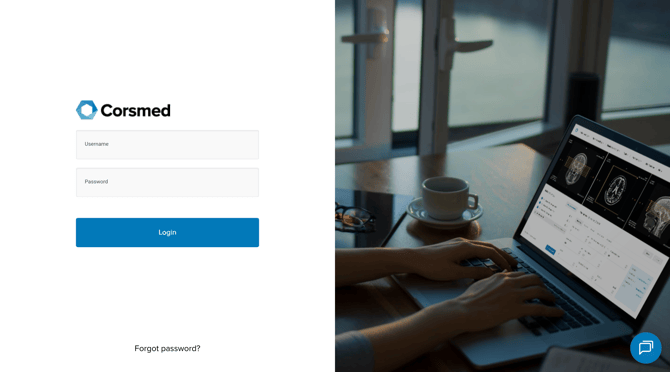
- In your browser, go to https://training.corsmed.com/login.
- Click Forgot password?
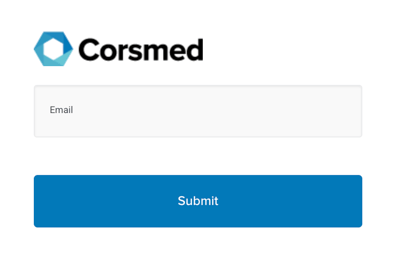
- Enter your email address.
- Click Submit.
Reset your password
- Check your inbox for an email from Corsmed with the subject Password Reset.
- Click Reset Your Password in the email.
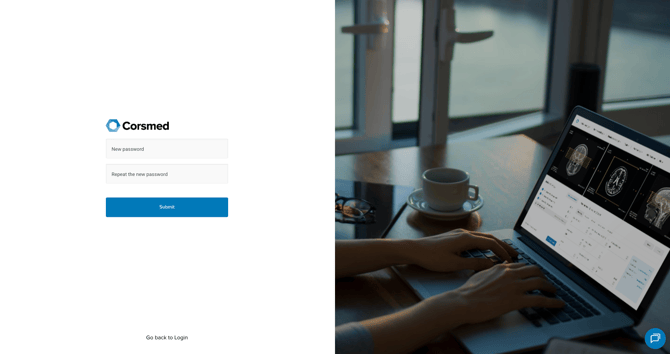
- You’ll be redirected to a Corsmed page.
- Enter your new password twice.
- Click Submit to confirm.
Conclusion
You've reset your password and can log in with your new credentials.