![corsmed_no_clear_space_@16x-1.png]](https://help.corsmed.com/hs-fs/hubfs/corsmed_no_clear_space_@16x-1.png?height=40&name=corsmed_no_clear_space_@16x-1.png)
Open the 3D viewer
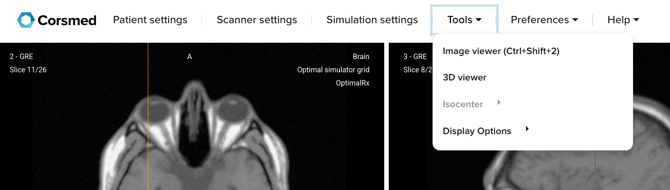
- In the Corsmed MRI Simulator, click Tools in the simulator header.
- Select 3D Viewer from the dropdown menu.
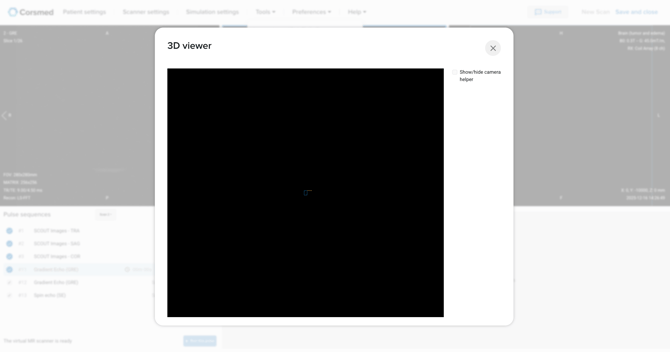
- A pop-up opens with the 3D Viewer.
Interact with the 3D viewer
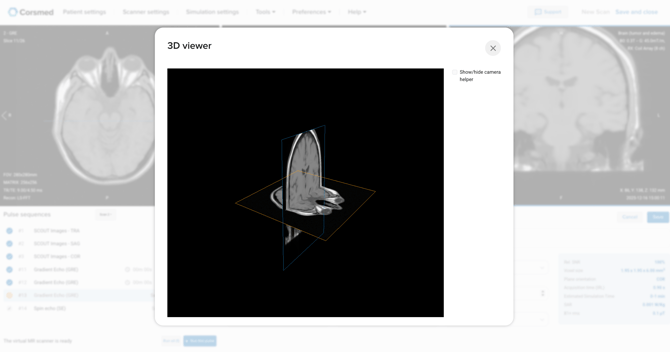
- Use the checkbox in the top-right corner to show or hide the camera helper.
- Zoom in or out to adjust your viewing distance.
- Click and drag to rotate the model and view your MR images from different perspectives.
Conclusion
You've learned how to open and use the 3D Viewer to better understand how your MR images relate to one another.